User guide
Getting started with migrationHIPPO
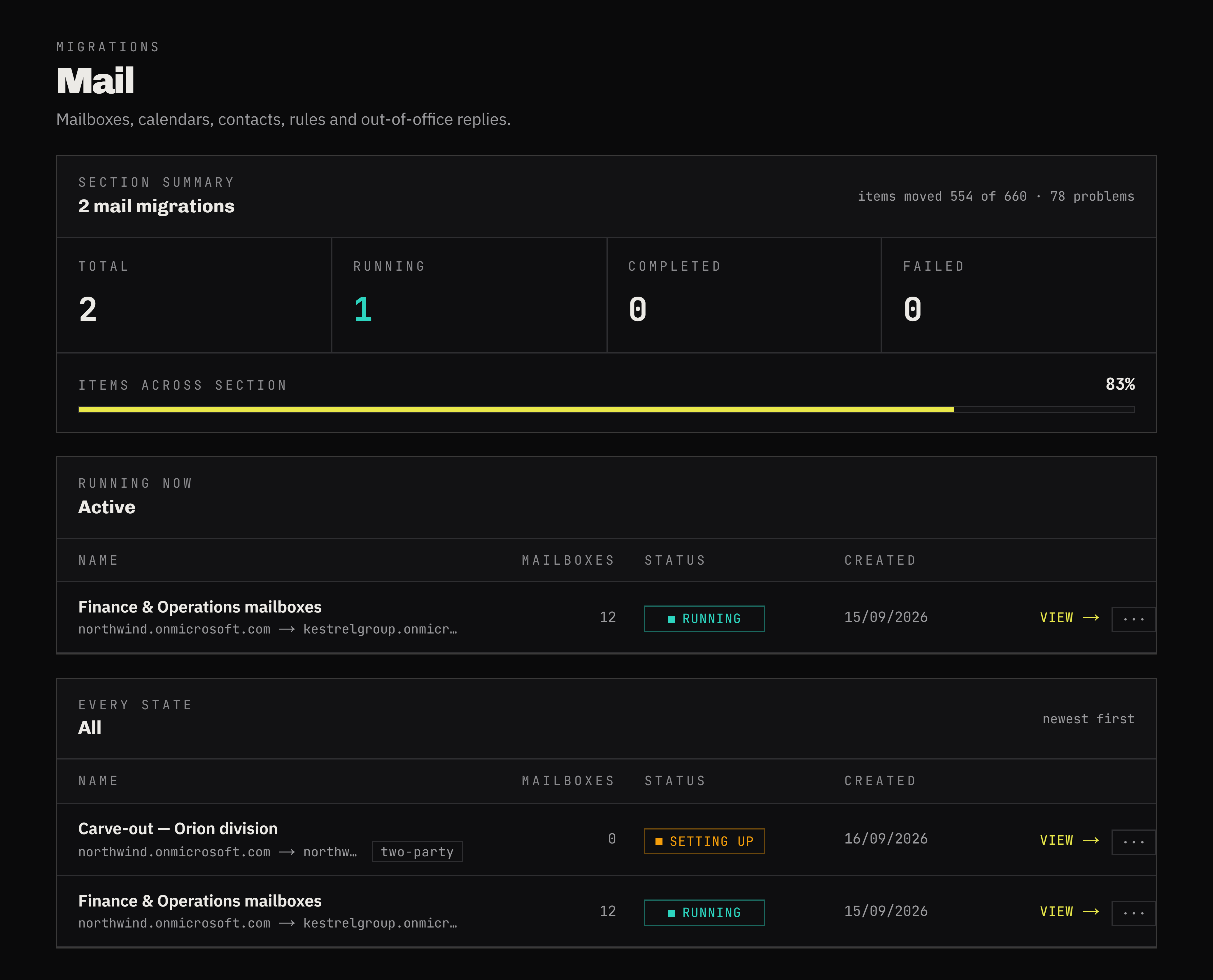
Click a step on the left to jump straight to it, or use the toggle on each card to expand and collapse as you go. Every screen below is the real product.
It covers all five workloads. Mail, personal files and personal chats share one form, so they share one step here; SharePoint and Teams have flows of their own and a step each.
1 / 9 sections opened
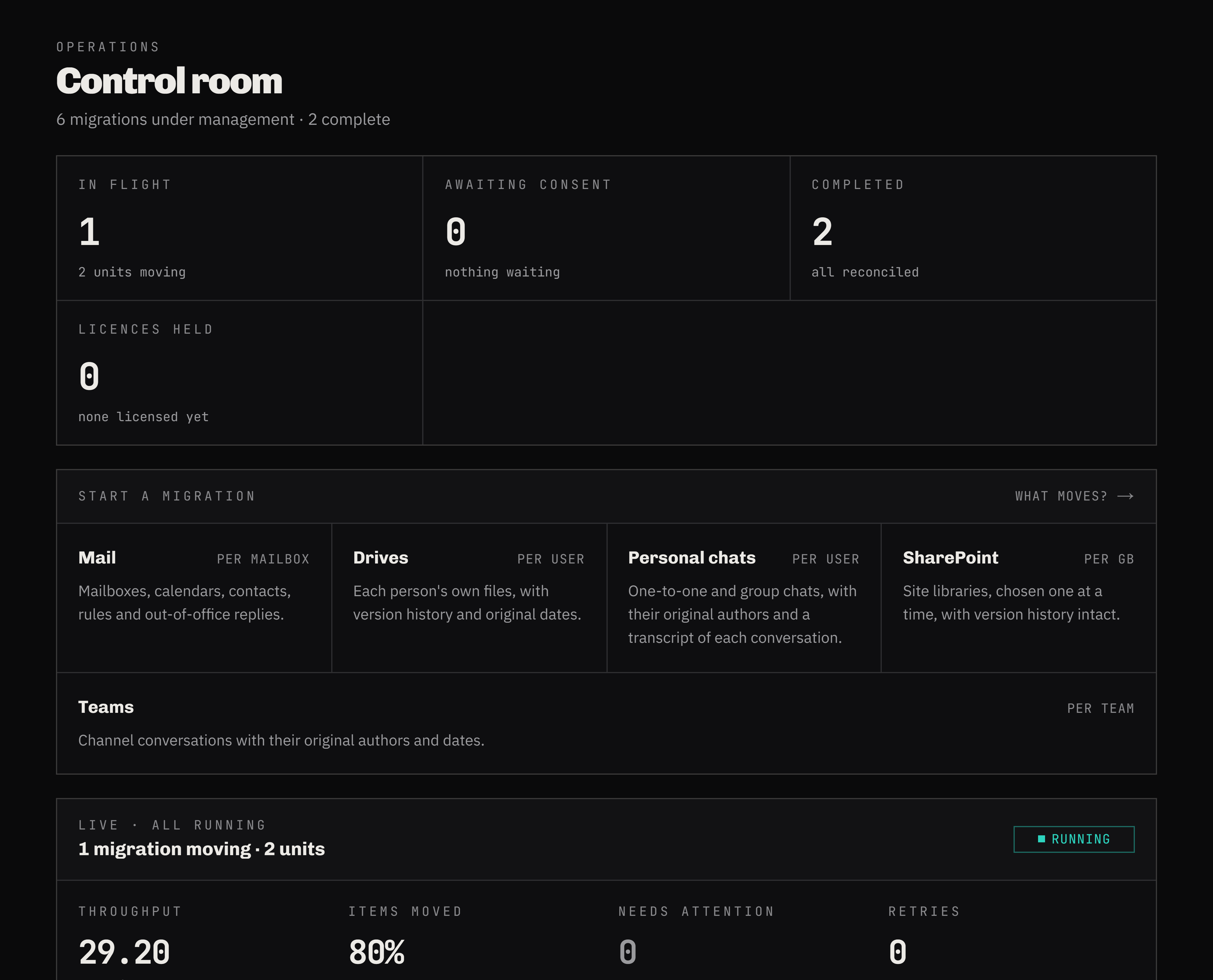
After signing in you land on the Dashboard — a summary of every migration your company is running, whichever mode it was created in. Click any row’s View link to jump straight into that migration’s detail.
Still have questions?
We keep this self-serve — reach out and we will get you real numbers, not a demo request.
contact us